
🛠 教程开始:Claw Cloud 搭建节点全流程这是一份关于如何在 Claw Cloud 上搭建 VPS 节点的详细教程。
🧩 第一步:注册并登录访问 👉 Claw Cloud 官网
使用 GitHub 登录(建议 GitHub 账号满 180 天)。
🧩 第二步:创建 VPS 应用进入控制台,点击左侧菜单:App Launchpad → Create App
镜像(Image)输入:
1metaligh/3x-ui
配置推荐:
CPU:1 核
内存:512M
地区:选择 Singapore
网络端口设置:
开启 80 端口
添加并开启 2053 端口
所有端口都选 Public(公网)
存储添加:
本地挂载两个目录:
12/etc/x-ui//etc/letsencrypt/
点击 Deploy Application(部署应用)
🧩 第三步:登录 3x-ui 管理面板部署状态变为 Running 后
打开 2053 端口对应的网络地址,进入管理后台。
默认登录信息:
1用户名:admin 密码:admin
登录后请务必第一时间修改用户名和密码,确保安全!
...
[up主专用,视频内嵌代码贴在这]
.video-container {
position: relative;
width: 100%;
padding-top: 56.25%; /* 16:9 aspect ratio (height/width = 9/16 * 100%) */
}
.video-container iframe {
position: absolute;
top: 0;
left: 0;
width: 100%;
height: 100%;
}
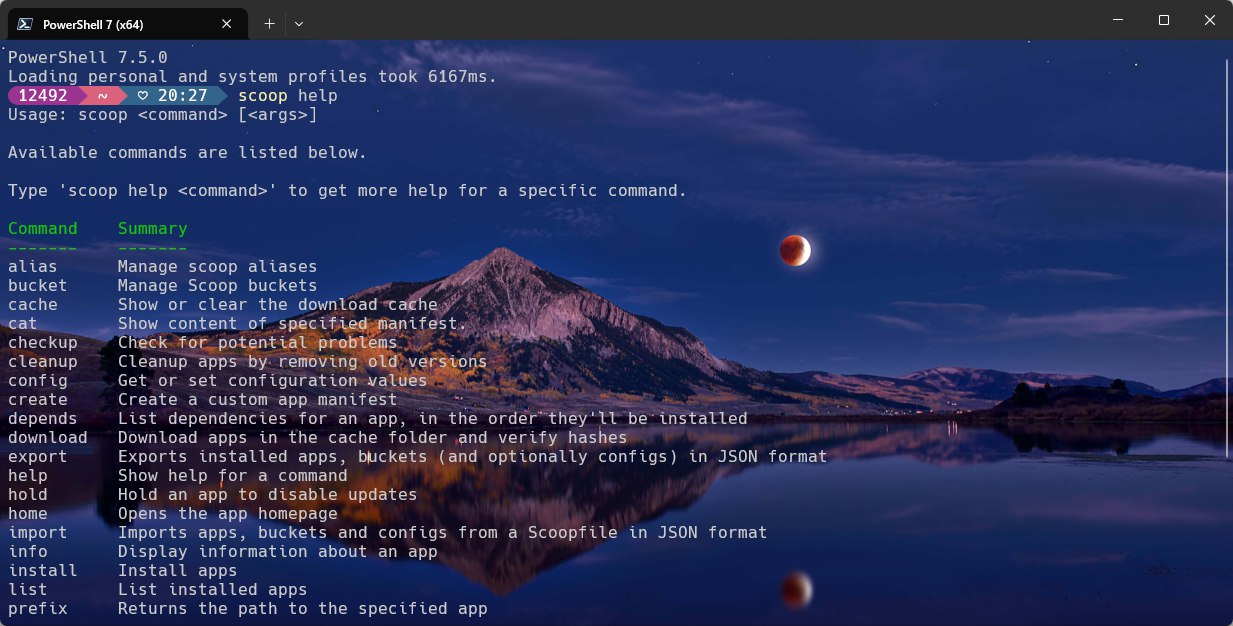
NodeSeekbeta search for post search for people use google search 重装电脑用Scoop管理软件,清爽多了!
这篇文章写给谁看? ✍️
所有 Windows 用户,特别是:
经常需要安装、配置开发工具的开发者、程序员 🧑💻。
厌倦了每次重装系统都要手动下载、安装、点“下一步”的每一个人 😩。
希望电脑保持干净整洁,告别混乱的安装目录和注册 ...

.video-container {
position: relative;
width: 100%;
padding-top: 56.25%; /* 16:9 aspect ratio (height/width = 9/16 * 100%) */
}
.video-container iframe {
position: absolute;
top: 0;
left: 0;
width: 100%;
height: 100%;
}
相关网址v2board面板(已停更):https://github.com/v2board/v2boardXboard面板(基于v2board二次开发):https://github.com/cedar2025/XboardSSPanel面板:https://github.com/Anankke/SSPanel-UIM/XrayR:https://github.com/XrayR-project/XrayR
自用专线机场推荐: https://b.880805.xyzGIA线 ...